
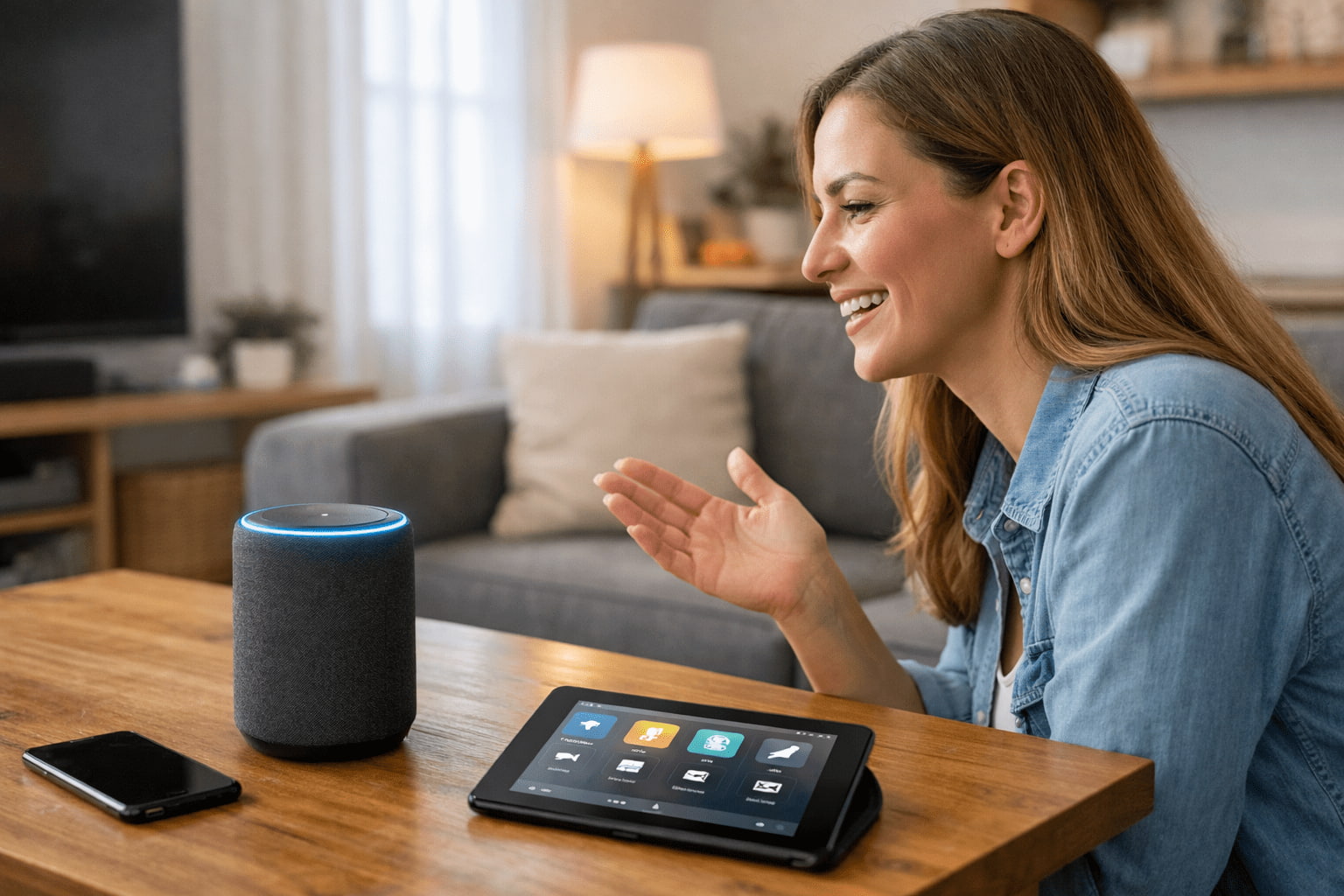
Virtual assistants have become part of everyday life for millions of people, even for those who don’t consider themselves “tech-savvy.” They answer questions, set reminders, play music, control devices, and help organize daily routines — all through simple voice commands or text interactions.
What makes virtual assistants especially useful is that they are designed for ordinary people. You don’t need technical knowledge, complex setup, or special equipment to benefit from them. This article explains, in clear and practical terms, how virtual assistants work and how they can genuinely help in daily life.
What Is a Virtual Assistant?
A virtual assistant is a software-based tool that uses automation and Artificial Intelligence to interact with users. It can understand commands, process requests, and perform actions based on what the user asks.
Most virtual assistants work through:
- Voice commands
- Text input
- Predefined actions connected to apps or devices
They are designed to feel natural and easy to use, even for beginners.
How Virtual Assistants Understand What You Say
Virtual assistants rely on a combination of technologies working together.
Speech Recognition
When you speak, the assistant converts your voice into text. This process involves identifying words, accents, and speech patterns. Over time, the system improves by learning from different voices and usage scenarios.
Language Understanding
After converting speech to text, the assistant analyzes the meaning of your request. It tries to understand intent, not just words. For example, it can tell the difference between a question, a command, or a reminder request.
Task Execution
Once the request is understood, the assistant performs an action, such as:
- Searching for information
- Setting an alarm
- Sending a message
- Controlling a device
All of this happens in seconds.
Common Ways People Use Virtual Assistants Daily
Virtual assistants are most effective when they simplify small, repetitive tasks.
Managing Time and Reminders
People often use virtual assistants to:
- Set alarms
- Create reminders
- Schedule calendar events
This reduces the mental effort of remembering appointments or daily tasks.
Quick Information Requests
Instead of typing, users can ask questions like:
- Weather forecasts
- Traffic updates
- Definitions or explanations
This saves time and allows hands-free access to information.
Virtual Assistants at Home
Many households use virtual assistants as part of daily routines.
Smart Home Control
Virtual assistants can control:
- Lights
- Thermostats
- Fans
- Smart plugs
This allows users to adjust their environment without physically interacting with devices.
Creating Routines
Some assistants allow users to create routines. For example:
- Turning off lights at bedtime
- Playing music in the morning
- Adjusting temperature automatically
These routines improve comfort and consistency.
Virtual Assistants on Smartphones
Most people interact with virtual assistants through their phones.
Hands-Free Assistance
Virtual assistants help while:
- Driving
- Cooking
- Exercising
Hands-free use improves safety and convenience.
Message and Call Support
Assistants can:
- Send text messages
- Make calls
- Read messages aloud
This is especially helpful when multitasking.
Virtual Assistants in Work and Productivity
Virtual assistants are also useful for professional and personal productivity.
Task Organization
They help users:
- Create to-do lists
- Track tasks
- Receive reminders
This is valuable for people who want simple organization tools without complex apps.
Note Taking
Some assistants can quickly save voice notes or short reminders, reducing the need to stop and write things down.
Virtual Assistants for Accessibility
Virtual assistants play an important role in accessibility.
Supporting People with Disabilities
They help users who:
- Have limited mobility
- Prefer voice interaction
- Need assistance with daily tasks
Voice-controlled systems make technology more inclusive.
Supporting Older Adults
Virtual assistants can help older users:
- Remember medications
- Make calls easily
- Control home devices without physical effort
Privacy and Control Considerations
Many people worry about privacy when using virtual assistants. These concerns are valid and important.
User Control
Most virtual assistants allow users to:
- Review voice history
- Delete stored data
- Disable microphones
- Adjust privacy settings
Understanding these options helps users stay in control.
Responsible Use
Using trusted devices, keeping software updated, and reviewing permissions are simple ways to use virtual assistants safely.
What Virtual Assistants Cannot Do
Despite their usefulness, virtual assistants have limitations.
They:
- Don’t think independently
- Don’t understand emotions deeply
- Rely on predefined systems and data
They are tools designed to assist, not replace human judgment.
Why Virtual Assistants Are Becoming More Popular
Virtual assistants continue to grow in popularity because they:
- Save time
- Reduce effort
- Improve accessibility
- Simplify daily routines
As technology improves, they become more accurate, natural, and helpful.
Simple Tips to Get More Value from a Virtual Assistant
To make better use of a virtual assistant:
- Start with basic commands
- Use reminders and routines
- Explore settings gradually
- Review privacy options
Small adjustments can significantly improve daily usefulness.
Virtual Assistants as Everyday Helpers
Virtual assistants are no longer futuristic tools. They are practical helpers designed for everyday life. From managing schedules and controlling home devices to providing quick answers and improving accessibility, they quietly support millions of people every day.
For ordinary users, virtual assistants are not about advanced technology — they are about convenience, simplicity, and making daily tasks easier without added complexity.
As they continue to evolve, virtual assistants will become even more integrated into daily routines, always aiming to help without getting in the way.